Ponytail AI Tool: How to Cut Claude API Fees by 67% (My Deep Research)
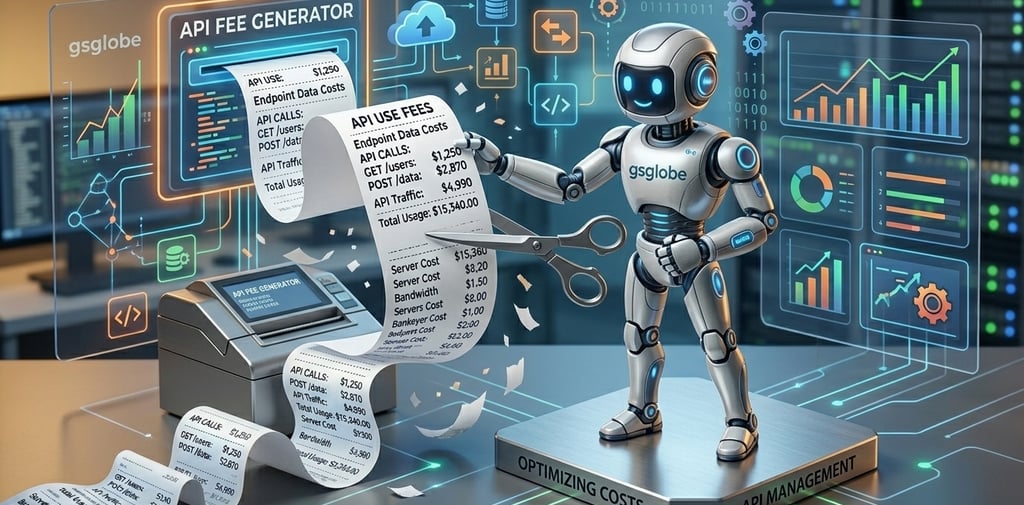
Discover how the free Ponytail AI tool forces models like Claude to write cleaner code, helping you save money and drastically cut expensive API fees.Checkout my new research.



My Final Takeaway
As the AI industry evolves, the companies that win won't just be the ones with the smartest models. The winners will be the developers who know how to control, optimize, and supervise those models effectively.
Utilities like Ponytail are proof that we are entering a new phase of AI development: the optimization phase. If you want to maximize your productivity while keeping your API costs near zero, you need to be using this tool.
What do you think? Do you find that Claude and ChatGPT generate too much unnecessary code, or do you prefer the detailed explanations? Let me know in the comments below!
If you are a developer using AI to write code, you already know the painful truth: Artificial Intelligence is amazing, but it is incredibly expensive.
Models like Claude and ChatGPT are brilliant at generating complex software, but they have a very bad habit of "over-explaining" things. When you ask them to write a script, they often spit out hundreds of lines of bloated code, unnecessary comments, and long-winded apologies. Because you are charged by the "token" (the amount of text the AI reads and generates), this AI bloat can absolutely destroy your API budget.
But over the last few days, I've been researching a brand new, completely free optimization utility that solves this exact problem. It is called Ponytail, and it might be the most important resource a programmer can download this year. Let’s dive into how it works and how it is saving developers massive amounts of money.
What is Ponytail?
Think of Ponytail as a strict virtual supervisor for your AI.
When you normally use an AI model like Claude to build a project, the AI is left to its own devices. It writes code the way it thinks you want it, which is usually highly verbose.
Ponytail sits in the middle. It acts as a middleman (or a "wrapper") between you and the AI. Before Claude is allowed to send you the final code, Ponytail steps in, evaluates the AI's output, and strictly enforces efficiency. It forces the AI model to stop hallucinating, stop over-explaining, and generate only the cleanest, most concise code possible to get the job done
The 67% Reduction Test
To understand why this is such a massive deal, we have to look at the practical tests that have been run on this software.
During an extensive analysis of Ponytail's performance, developers tasked Claude with building a complex piece of software. Without Ponytail, Claude generated a massive, rambling script. It got the job done, but it burned through a huge amount of API tokens to do it, and it took a long time to generate.
Then, they ran the exact same prompt with Ponytail activated
The results were staggering. Ponytail forced Claude to achieve the exact same functional result, but it did it using 67% less code. Because the code was so much shorter and more direct, the processing time was drastically reduced.
If you are just using ChatGPT to write emails, token usage probably doesn't matter to you. But if you are a software engineer building massive, multi-file applications using an API key, this is a lifesaver.
Here are the three biggest reasons you should integrate Ponytail into your workflow today:
1. Slashing Expensive API Fees
API providers charge you based on output. If Ponytail forces the AI to use 67% less text to solve your problem, your monthly bill literally gets cut in half. Over the course of a year, this utility could save a freelance developer thousands of dollars.
2. Faster Processing Times
Waiting for an AI to slowly type out 300 lines of code is frustrating, especially when half of it is just comments. By stripping away the bloat, your workflow becomes lightning fast. You get your answers instantly, allowing you to build and iterate at a much faster pace.
3. Cleaner Codebases
As a developer, the last thing you want is a messy, unreadable codebase filled with AI-generated junk. Ponytail ensures that the code being injected into your project is lean, efficient, and professional/